Mobile and web
Custom apps built around how your teams work
We build custom apps around how your business and your field teams actually work: Android and iOS mobile apps, web applications and portals, field data collection tools, live monitoring dashboards and asset tracking systems.
Our engineers work on sites every day, so we know the conditions apps are used in: weak signal, bright sunlight, gloves and tight reporting deadlines. We design for them from the start.
Understanding the process
More than writing code
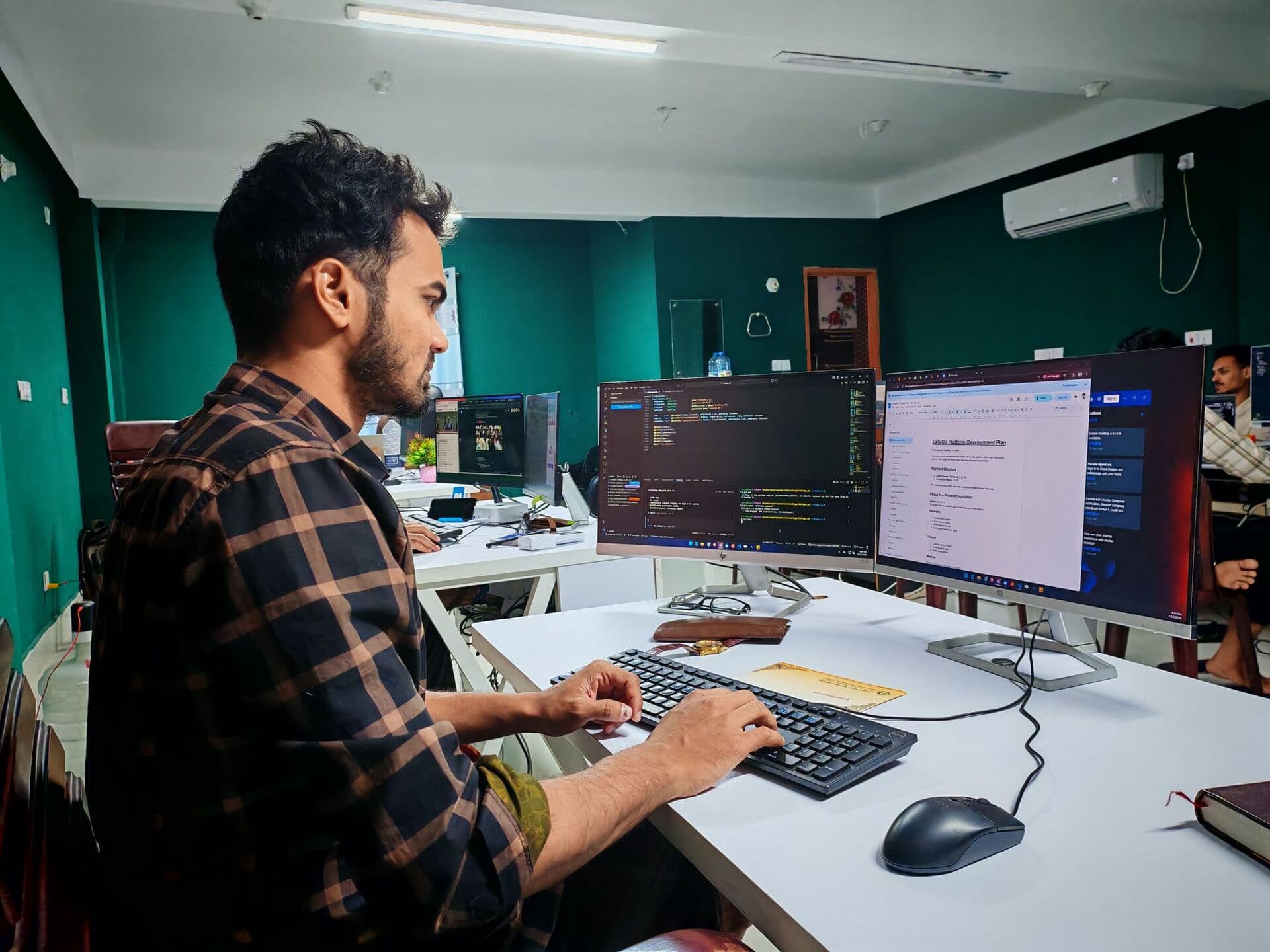
App development is the work of turning a business need into a working tool that people use on their phones, tablets or computers. Writing code is only one part of it.
A good app starts with a clear understanding of the problem, the people who will use it and the conditions they work in, and it continues long after launch through updates, support and improvements.
Our usual tools are Flutter for Android and iOS apps, React and Node.js for web applications, and cloud hosting, with IoT sensors where an app needs live readings from the field.
What we build
Apps for the office and the field
Apps and platforms
- Android and iOS mobile apps
- Web applications, portals and business websites
- Maintenance, hosting and ongoing support
For engineering and field work
- Inspection and field data collection apps with photos and GPS
- Live monitoring dashboards for air quality, emissions and equipment
- Certificate verification and asset tracking systems
Types of apps
Choosing the right type of app
We help you choose during planning, based on who will use the app, on which devices and in what conditions.
| Type | What it means |
|---|---|
| Native mobile apps | Built separately for Android or iOS. Best performance and full access to the camera, GPS and sensors. |
| Cross-platform apps | One codebase that runs on both Android and iOS, which lowers cost and speeds up delivery. |
| Web applications | Run in a browser on any device with no installation. Ideal for portals, dashboards and admin systems. |
| Progressive web apps | Websites that behave like apps: they can be added to the home screen and work with weak or no internet. |
| Enterprise systems | Internal tools connected to company databases, accounts or ERP systems for staff and management. |
How we build an app
Seven stages, from discovery to support
01
Discovery
We meet your team, understand the problem, define who will use the app and agree on scope, budget and timeline.
02
Planning
We list the features, choose the right type of app and technology, and plan how data will be stored and secured.
03
Design
We create screen layouts and a clickable prototype so you can see and test the app before development starts.
04
Development
The app is built in short stages, with regular demos so you can give feedback along the way.
05
Testing
We test on real devices, check speed and security, and trial the app with your users in real working conditions.
06
Launch
We publish to Google Play, the App Store or your web server, and train your team to use it.
07
Support
We fix issues, keep the app updated for new phone versions and add features as your needs grow.
Beyond the code
What goes into a good app
User experience
- Simple screens, large buttons and clear steps so staff can use the app with little training, even with gloves on or in bright sunlight.
Offline working
- Field sites often have weak signal. Our apps can save data on the device and sync automatically once a connection returns.
Hardware integration
- Apps can connect to cameras, GPS, barcode and QR scanners, Bluetooth instruments and IoT sensors.
Data security
- User logins, role-based access, encrypted data and regular backups protect your business and client information.
Integration
- Apps can link with existing systems such as accounting software, email, SMS, WhatsApp and cloud storage.
Reporting
- Data collected in the field can be turned into PDF reports, charts and dashboards automatically.
Scalability
- The app is built to grow from a few users to hundreds without needing to be rebuilt.
Ownership
- You receive the source code and full ownership of your app and data, with clear documentation.
Questions
Questions about app projects
Who owns the app and the source code?
You do. Clients receive the source code and full ownership of their app and data, with clear documentation.
Will the app work on sites with no signal?
Yes, if it needs to. Our apps can save data on the device and sync automatically once a connection returns, and progressive web apps can also work with weak or no internet.
How much does an app cost, and how long does it take?
It depends on the features, the type of app and the systems it must connect to. We agree scope, budget and timeline with you during discovery, before development starts, and keep you updated with regular demos throughout.
Can the app connect to the systems we already use?
Yes. Apps can link with accounting software, email, SMS, WhatsApp and cloud storage, and enterprise systems can connect to company databases, accounts or ERP systems.
What happens after launch?
We stay on to fix issues, keep the app updated for new phone versions and add features as your needs grow. We can also host and maintain the app for you.
Have an idea for an app, or a paper process you want to move onto a phone? Let’s talk.
Related services
You may also need

Artificial intelligence
AI Solutions
Practical AI that saves time and finds problems people miss: defect detection, predictive maintenance, chatbots, document reading and forecasting.
Learn more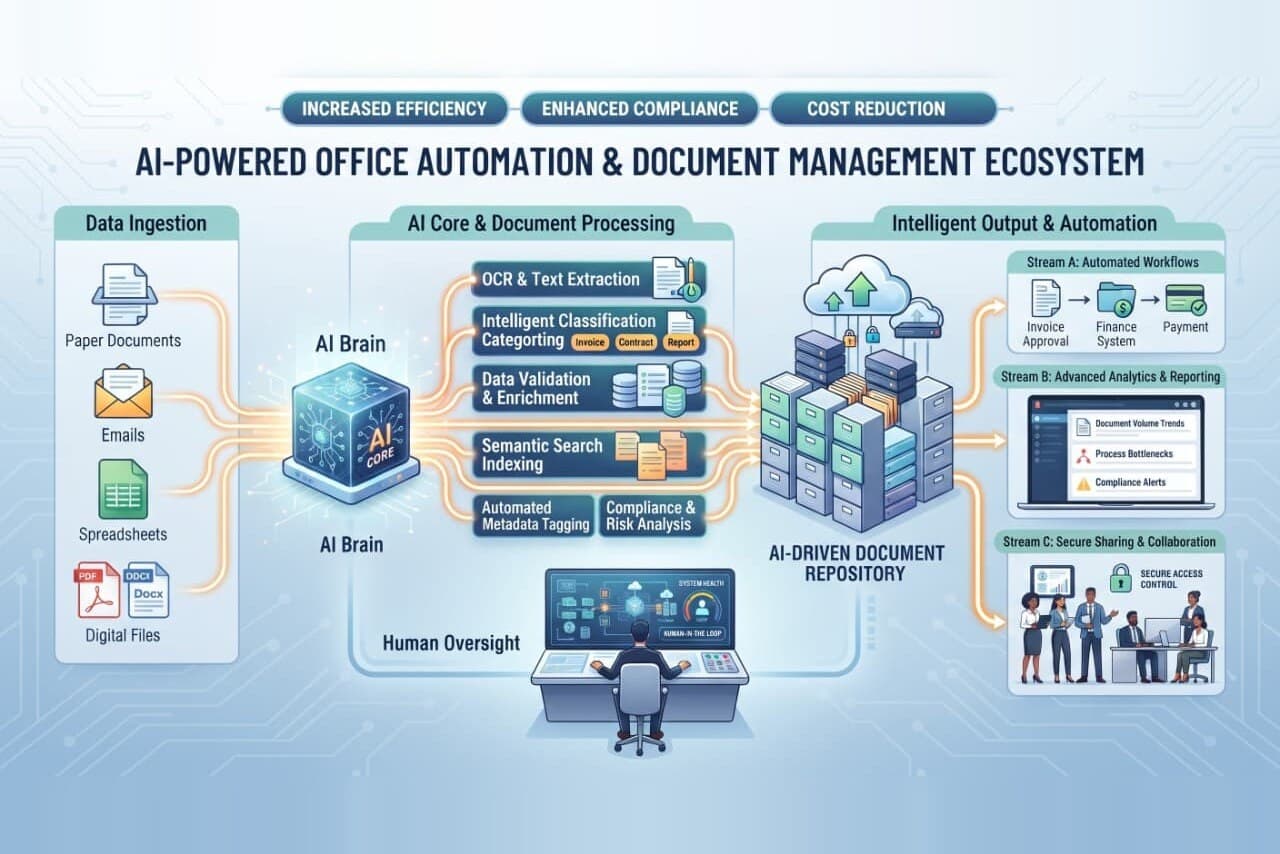
Office automation
Document Management & Office Automation
An AI-powered system that reads, sorts and files your documents, finds any file from a plain-language question, and automates routine office tasks.
Learn more
Technical surveillance countermeasures
TSCM Bug Sweep
Discreet sweeps for hidden listening devices, cameras and transmitters, with findings reported in confidence.
Learn more